
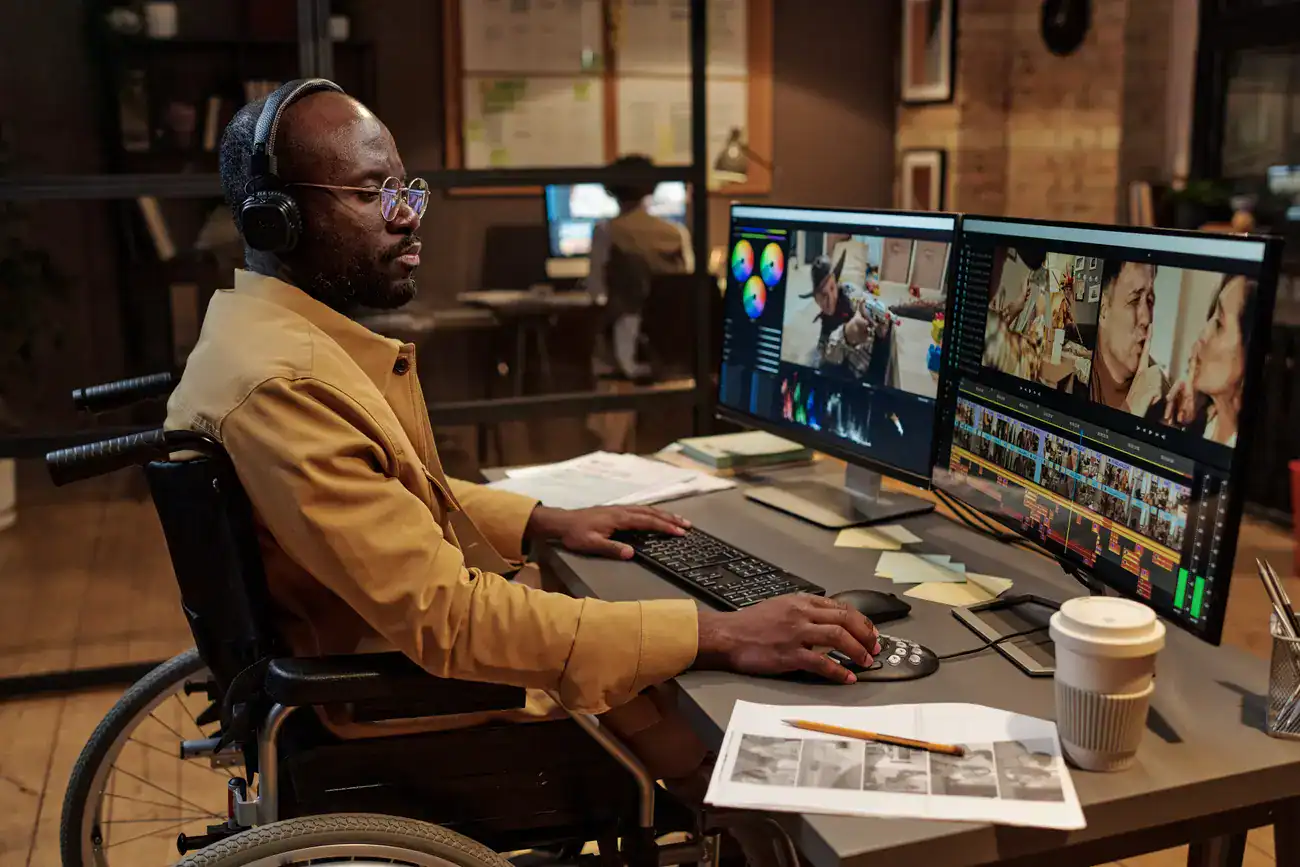

Your marketing team just finished producing an impressive video showcasing your services. Before publishing, someone mentions accessibility, so you enable auto-generated captions and consider the job done. After all, captions make videos accessible, right?
Not exactly. While captions are important, treating them as the complete solution to video accessibility misses the broader picture of how people with different abilities experience video content. True video accessibility involves considering the full range of ways people might need to access your content.
More importantly, accessible video design benefits everyone, not just people with permanent disabilities. All of us experience temporary or situational limitations that make accessible features essential for accessing information effectively.
Understanding the full spectrum of accessibility needs
Accessibility isn’t just about permanent disabilities. Microsoft’s inclusive design framework recognizes three types of limitations that affect how people access content:
Permanent disabilities are long-term conditions like blindness, deafness, or mobility limitations that consistently affect how someone interacts with digital content.
Temporary disabilities are short-term conditions that temporarily change how someone can access content. This might include a broken arm that prevents using a mouse, an eye infection that affects vision, or a throat surgery that temporarily affects hearing.
Situational disabilities are environmental factors that create accessibility barriers for anyone. Picture yourself watching a video on your phone while riding a busy train. Your volume is muted to avoid disturbing others, you don’t have headphones, and the lighting makes it hard to read small text. In this situation, you have the same needs as someone with hearing or vision limitations.
This situational example illustrates why video accessibility features benefit everyone. Captions help not just deaf users, but also anyone watching video in sound-sensitive environments. Audio descriptions assist not just blind users, but also people who can’t look at their screen while listening.
Who benefits from video accessibility?
Understanding your audience for accessible video goes far beyond people with diagnosed disabilities:
Deaf and hard of hearing users need captions, but they also need visual context for sounds that convey meaning. A caption that says “music playing” doesn’t help someone understand whether it’s tense music signaling danger or cheerful music indicating success.
Blind and low vision users need audio descriptions of visual elements that convey important information. They also need screen reader compatible video players with properly labeled controls.
Users with cognitive disabilities benefit from clear structure, the ability to pause and replay content, and transcripts they can read at their own pace.
Users with motor disabilities need keyboard navigation for all video controls and interface elements they can activate without precise mouse movements.
Everyone in certain situations benefits from these features. Parents watching videos after kids are asleep, commuters in noisy environments, people in quiet offices, or anyone dealing with poor internet connections that make audio unreliable.
Why captions alone aren’t enough
Most businesses stop at captions because they’re the most visible accessibility feature and often the only one mentioned in basic compliance guides. But caption quality varies dramatically, and captions address only one aspect of video accessibility.
Auto-generated captions, while better than nothing, often contain errors that make content confusing or misleading. Technical terms, proper names, and industry-specific language frequently get misinterpreted. Speaker changes aren’t identified, making dialogue difficult to follow. Sound effects and non-speech audio that convey meaning get missed entirely.
Proper captioning involves accurate transcription with correct timing, speaker identification when multiple people appear, notation of relevant sound effects, and formatting that doesn’t obstruct important visual elements.
But even perfect captions only help people who can see the video player. Someone using a screen reader needs additional features to access and control video content effectively.
Audio descriptions: Making visual content accessible
Audio descriptions provide spoken narration of visual elements that convey important information not already covered in dialogue or narration. This includes actions, settings, facial expressions, text that appears on screen, and other visual details necessary for understanding.
Not every video requires audio descriptions. If your video consists entirely of someone speaking directly to camera with no important visual elements, audio descriptions may be unnecessary. But if your video includes demonstrations, on-screen text, visual examples, or non-verbal communication that affects meaning, audio descriptions become essential.
Effective audio descriptions are concise, objective, and timed to fit between dialogue without overlapping speech. They describe what’s happening, not what it means, allowing viewers to draw their own conclusions.
Player accessibility and controls
The video player itself must be accessible to users with different abilities. This means keyboard navigation for all controls, screen reader compatible labels and descriptions, and customizable features that accommodate various needs.
Users should be able to play, pause, adjust volume, seek to different positions, and access all features using only keyboard commands. Screen readers should be able to identify all controls and announce their current states.
Additional helpful features include customizable playback speed for users who process information at different rates, high contrast options for users with low vision, and the ability to resize or reposition caption text.
Platform analysis: Balancing cost, features, and accessibility
Your choice of video hosting platform significantly affects your accessibility capabilities and costs. Here’s how major platforms compare:
YouTube offers the most reach and costs nothing for basic hosting. Auto-generated captions are included and can be edited for accuracy. The platform supports uploaded caption files and offers basic audio description capabilities. However, customization options are limited, and you have less control over the viewing experience.
Vimeo provides more professional features with better customization options. Paid plans include superior caption editing tools, more control over player appearance and behavior, and better integration with accessibility features. The player itself tends to be more keyboard-friendly and screen reader compatible than many alternatives.
Social media platforms each handle video accessibility differently. Facebook and Instagram offer auto-captions with editing capabilities, but their players have limited accessibility features. LinkedIn provides basic caption support but fewer customization options. TikTok has made significant improvements to accessibility features but still lags behind dedicated video platforms.
For embedded website videos, your platform choice affects your site’s overall accessibility. Some platforms provide more accessible embed code than others, and this becomes part of your website’s compliance considerations.
Specialized accessibility-focused platforms exist but typically cost more than mainstream options. These might be worthwhile for organizations with specific compliance requirements or large video libraries.
Content structure and design considerations
Beyond technical features, the content and structure of your videos affect accessibility. Clear, descriptive titles help users understand what they’re about to watch. Detailed descriptions provide context that benefits everyone, especially users who can’t see preview images.
Avoid flashing content that can trigger seizures. Current guidelines specify that content shouldn’t flash more than three times per second, but it’s safer to avoid rapid flashing entirely unless it’s essential to your message.
Provide transcripts as downloadable alternatives. Transcripts benefit users who prefer reading to watching, users with slower internet connections, and users who want to reference specific information later.
Business benefits beyond compliance
Video accessibility improvements benefit your business in measurable ways beyond avoiding compliance issues. Captions and transcripts provide text content that search engines can index, improving your SEO performance. Users spend more time engaging with accessible content because they can access it in more situations.
Accessible videos reach broader audiences, including the significant portion of the population with disabilities and the much larger group of people who benefit from accessible features in various situations. Better user experience leads to increased engagement and improved brand perception.
The investment in accessibility often pays for itself through improved reach and engagement, making it a business strategy rather than just a compliance cost.
Implementation strategy
Start with the basics: accurate captions for all video content. If budget is limited, prioritize your most important videos for professional captioning and use improved auto-captions for less critical content.
Choose hosting platforms based on your specific needs rather than just cost. If accessibility is important for your audience or required for compliance, the additional cost of platforms with better accessibility features often justifies itself through improved user experience and reduced legal risk.
Plan accessibility into your video production process rather than treating it as an afterthought. Including accessibility considerations during planning and production is more efficient and effective than retrofitting accessibility features later.
Consider your audience’s actual needs. A B2B software company might prioritize different accessibility features than a consumer retail brand, based on their typical users and viewing contexts.
Making video truly inclusive
Video accessibility isn’t about checking compliance boxes or accommodating a small percentage of users with disabilities. It’s about creating content that works for everyone, in all the various situations where they might need to access your information.
When you design video content with accessibility in mind from the start, you create better experiences for all users while expanding your potential audience. The features that help someone with a disability often help everyone else too.
The goal isn’t just compliance with accessibility guidelines. It’s creating video content that effectively communicates your message to anyone who might benefit from it, regardless of their abilities or circumstances. That’s good business sense wrapped in good human design.


