
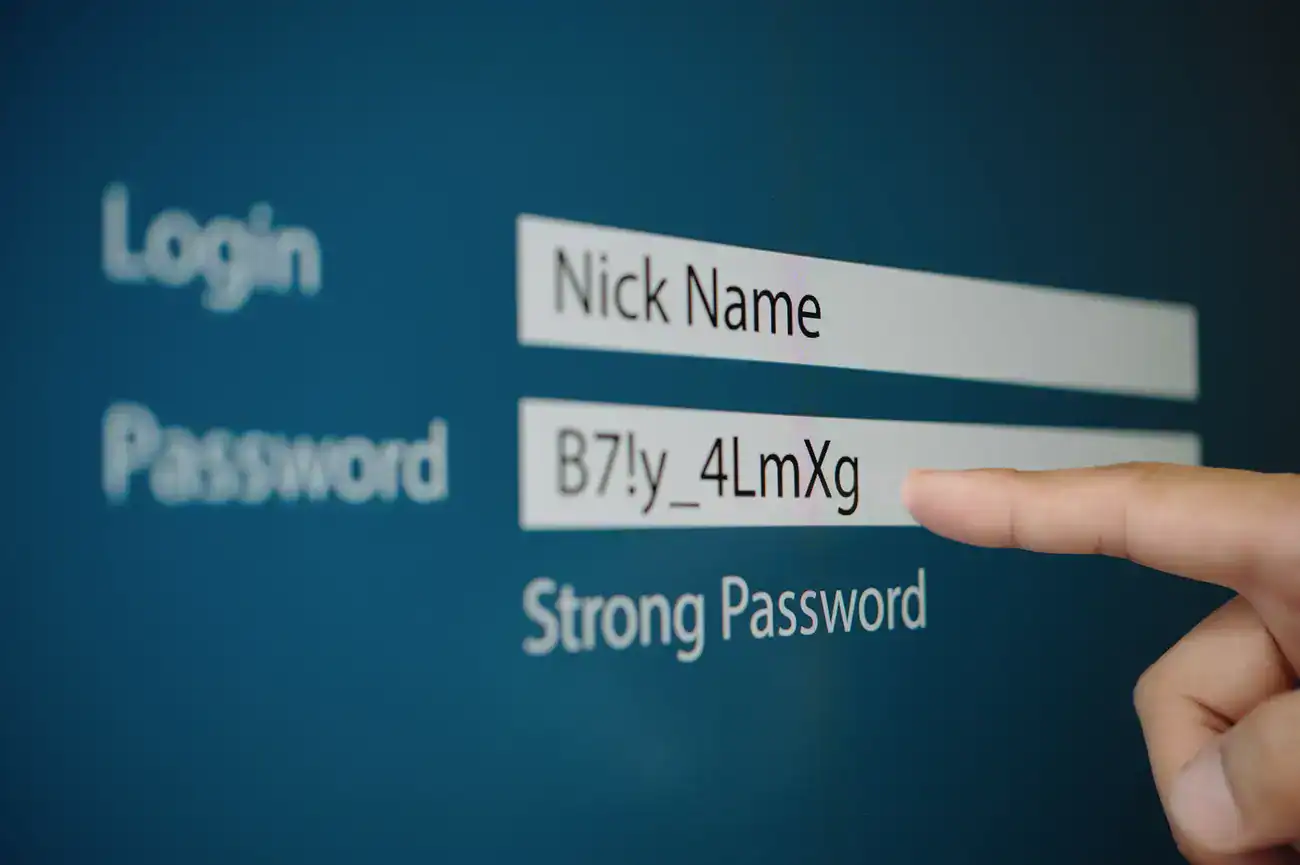

You consider yourself reasonably security-conscious. You don’t use “password123” for anything important. You let your browser save your passwords so you’re not writing them down. You even have two-factor authentication enabled on some accounts, receiving text messages when you log in from new devices. You’re doing everything right, aren’t you?
Unfortunately, if this describes your approach to password security in 2025, you’re operating with outdated practices that create serious vulnerabilities. The security landscape has evolved rapidly, but most business owners are still using strategies that were barely adequate five years ago and are genuinely dangerous today.
The uncomfortable truth is that common password practices, including ones that feel secure, are putting your business at significant risk. But the solution isn’t complicated or expensive. It just requires understanding what actually works in today’s threat environment.
About In-Browser Password Managers
Your browser’s built-in password manager feels like a security upgrade from writing passwords on sticky notes or reusing the same password everywhere. And compared to those alternatives, it is better. But browser password managers create a different kind of vulnerability that many business owners don’t recognize.
When you save all your passwords in Chrome, Safari, or Firefox, you’re creating a single point of failure for your entire digital life. If someone gains access to your computer or your browser gets compromised, they suddenly have access to every account you’ve ever saved.
Browser password managers sync across devices, which means your passwords exist in multiple places: your computer, your phone, your tablet, and on the browser company’s servers. Each location represents a potential access point for attackers.
More concerning, browsers are high-value targets for hackers precisely because so many people store critical information in them. When browser vulnerabilities are discovered, the impact can be massive because they affect password storage for millions of users simultaneously.
The convenience of browser password managers makes them appealing, but that same convenience creates security risks that dedicated password management solutions are designed to avoid.
The Password Reuse Crisis That Won’t Go Away
Despite years of security education, password reuse remains epidemic among business owners. But modern password reuse is more sophisticated than using identical passwords everywhere. Today’s version involves creating “variations” of a core password that people believe provides security.
You might use “MyBusiness2023!” for your banking, “MyBusiness2024!” for your email, and “MyBusiness2025!” for your website admin panel. These feel like different passwords, but to an attacker who compromises one account, the pattern becomes obvious immediately.
The problem extends beyond business accounts to personal passwords that affect business security. Your personal email account often serves as the recovery method for business accounts. If that personal email uses a password similar to your business passwords, a breach in one area affects everything.
When passwords get compromised in data breaches, and they do, with alarming frequency, attackers don’t just try the exact password on other sites. They run variations through automated systems that test common patterns like adding years, numbers, or special characters.
This means that password variations provide virtually no additional security while creating a false sense of protection that prevents people from implementing genuinely secure approaches.
The Power of Dedicated Password Managers
Professional password managers like Bitwarden solve the fundamental problems with both browser storage and password reuse by generating and storing truly unique passwords for every account.
When we say “truly unique,” we mean passwords that are randomly generated strings of 64 characters including letters, numbers, and special characters with no human-readable patterns whatsoever. These passwords look like this:
K8$mN#9wQxE7&pL2vF@jR6sY3nC*uH5zA1bD4gI0oT!eM^qW8kS7vX2cN9hB&fG6
The security advantage is dramatic. Even if one of your accounts gets compromised in a data breach, the password for that account provides no useful information for attacking your other accounts. There’s no pattern to reverse-engineer, no variations to guess, and no way to predict what any other password might be.
The psychological shift is important too. When you don’t know your own passwords (because they’re randomly generated and stored securely) you can’t accidentally reuse them or create predictable variations. The password manager handles all the complexity while you simply use a single master password to access everything.
This approach might feel risky because you’re dependent on one service, but the security benefits far outweigh the risks. Professional password managers use encryption that makes your data useless even if their servers get breached, and they’re designed specifically for security rather than as a convenience feature added to browsers.
The Two-Factor Authentication Evolution
Two-factor authentication represents a significant security improvement over passwords alone, but the most common implementation—text messages to your phone number—has become increasingly problematic as a security method.
Phone numbers can be hijacked through a process called SIM swapping, where attackers convince your mobile carrier to transfer your number to a device they control. This attack has become surprisingly common and sophisticated, with attackers using social engineering, inside information, or even bribes to mobile carrier employees.
Once attackers control your phone number, they receive all your two-factor authentication codes, making this “security” feature into a pathway for account compromise. The convenience of SMS-based two-factor authentication makes it feel secure, but it’s built on the assumption that phone numbers are secure identifiers, which is no longer reliable.
Authenticator apps like Google Authenticator, Microsoft Authenticator, or Authy provide much better security by generating codes locally on your device rather than sending them through the phone system. These apps create time-based codes that change every 30 seconds and don’t rely on your phone number or cellular service.
The setup process is slightly more complex than SMS-based authentication, but the security improvement is substantial. Even if someone manages to compromise other aspects of your security, they would need physical access to your specific device to generate the authentication codes.
For business-critical accounts, this extra security layer becomes essential rather than optional, especially when combined with strong, unique passwords from a dedicated password manager.
The Reality Check: How Exposed Are You?
Before implementing better security practices, it’s worth understanding how frequently your current credentials have already been compromised in data breaches. The website haveibeenpwned.com (Opens in a new window) maintains a database of billions of accounts that have been exposed in known security breaches.
Enter both your personal and business email addresses into this database. Be prepared to be horrified by the results. Most people discover that their information has been exposed in multiple breaches, often including passwords, email addresses, and other sensitive data.
This exercise isn’t meant to be discouraging, but rather to illustrate why password reuse is so dangerous in practice. Every data breach that includes your information gives attackers more data to use in attacking your other accounts.
The frequency of these breaches also explains why security practices that seemed adequate a few years ago are insufficient today. The volume of compromised credentials available to attackers has grown exponentially, making strong, unique passwords and proper two-factor authentication essential rather than optional.
Checking haveibeenpwned.com also helps you identify which accounts definitely need immediate attention. Any account associated with email addresses that appear in breach databases should be considered compromised and secured immediately.
Implementation Strategy That Actually Works
Transitioning to better security practices doesn’t have to happen all at once, but it should happen systematically rather than randomly. Start by identifying your most critical business accounts: banking, email, website administration, and any customer data systems.
Set up a dedicated password manager and begin by securing these high-priority accounts first. Generate new, unique passwords for each account and enable proper two-factor authentication using authenticator apps rather than SMS.
Work through less critical accounts systematically, but don’t try to do everything simultaneously. The goal is sustainable security practices rather than a overwhelming one-time project that gets abandoned halfway through.
For team members, establish clear policies about password management and provide the tools necessary to follow those policies. A business subscription to a password manager is significantly less expensive than dealing with the consequences of compromised accounts.
Document your security practices and make them part of employee onboarding. Security is only as strong as the weakest link, and in most small businesses, that weak link is someone who doesn’t understand why these practices matter.
The Real Cost of Inadequate Security
The cost of professional password management and proper two-factor authentication is minimal compared to the potential cost of security breaches. Business password managers cost roughly the same as a few cups of coffee per month per employee.
Compare that to the cost of compromised business accounts: lost productivity while dealing with breaches, potential legal liability if customer data gets exposed, reputation damage, and the time cost of recovering from attacks.
More importantly, many security breaches are never fully resolved. Once your business information is compromised, it remains available to attackers indefinitely. The criminal marketplaces where stolen credentials are sold don’t expire or delete old data.
This means that security investments today protect against both current and future attacks using information that might already be compromised. You can’t undo past data breaches, but you can ensure that compromised information becomes useless for attacking your current accounts.
How This Connects to Your Website Security
Your password security practices directly affect your website’s vulnerability to attack. The majority of WordPress site breaches don’t result from sophisticated hacking techniques—they happen because attackers successfully guess login credentials for admin accounts.
Automated systems constantly scan WordPress sites looking for admin login pages, then systematically try common username and password combinations. If your WordPress admin account uses “admin” or your business name as the username, and a password that’s been compromised in previous breaches or follows predictable patterns, these automated attacks often succeed.
The same password reuse problems that affect your other accounts become critical vulnerabilities when applied to your website. If your WordPress password is similar to passwords you use elsewhere, and any of those other accounts get compromised, attackers can often gain access to your website using variations of known passwords.
Generic usernames like “admin,” “administrator,” or your domain name make these attacks easier because they eliminate half the guessing work. Combined with weak or reused passwords, they create an open door for automated attack systems.
This is why proper password management isn’t just about protecting individual accounts—it’s about protecting your entire business infrastructure. Your website often contains customer information, business data, and access to other critical systems. A compromised website can become the entry point for much broader business disruption.
Using a dedicated password manager for your WordPress admin account means using a truly random password that doesn’t appear in breach databases and can’t be guessed through automated attacks. Combined with a non-obvious username and proper two-factor authentication, this makes your website a much harder target than the vast majority of sites that automated systems encounter.
When security tools handle the complexity automatically, people are more likely to use them consistently. When you don’t have to remember 64-character random passwords or manually calculate time-based authentication codes, you’re more likely to maintain good security practices over time.
The goal isn’t perfect security, because no system can ever be completely secure. The goal is security that’s significantly better than what most attackers expect to encounter, implemented in ways that people will actually use consistently.
Making Security Sustainable
The most sophisticated security system in the world is useless if it’s too complicated for people to use consistently. This is why dedicated password managers and authenticator apps are more effective than complex manual systems—they make secure practices easier rather than harder.
In 2025, password security isn’t optional for businesses. It’s basic infrastructure that protects everything else you’ve built. The question isn’t whether you can afford to implement proper security practices, it’s whether you can afford not to.


